
 (1).svg)
 (1).png)


 (1).svg)
.svg)
What is Softaculous?
Softaculous is a leading auto-installer designed to streamline the process of deploying various web applications. It offers an extensive library of scripts, enabling users to effortlessly install many popular hosting software packages directly onto their server environments. Beyond initial installation, Softaculous also provides crucial automatic updates, contributing significantly to website security and ensuring access to the latest software versions and features as they become available.
Why Utilize Softaculous with cPanel?
For many users, navigating command-line interfaces for software installation can be a complex and daunting task. Softaculous addresses this challenge by offering an intuitive graphical interface, coupled with a collection of thoroughly vetted scripts, making the installation process significantly more accessible. For web hosting providers, integrating this tool allows them to empower their customers with the ability to manage their own software installations and updates autonomously, fostering greater independence and reducing support overhead. This capability also instills confidence that customer websites will remain secure and up-to-date.
Incorporating Softaculous into hosting packages can significantly enhance service offerings. The platform provides a wide array of software options, catering to diverse user needs and making it straightforward for individuals to deploy their preferred applications on their own servers.
Even for those managing their own servers without pre-installed solutions, Softaculous can be manually set up to introduce substantial quality-of-life improvements for server administration. Detailed documentation is readily available to guide through the installation process via the command line.
How to Install Softaculous on Your cPanel Server
Installing Softaculous from scratch typically requires root access to your server via SSH, assuming it is not already provided by your hosting provider. Comprehensive installation guides are available to walk you through the specific instructions. Once you have established an SSH connection, proceed by executing the following commands:
wget -N http://files.softaculous.com/install.shchmod 755 install.sh./install.sh
During the installation process, your terminal output will resemble the following:
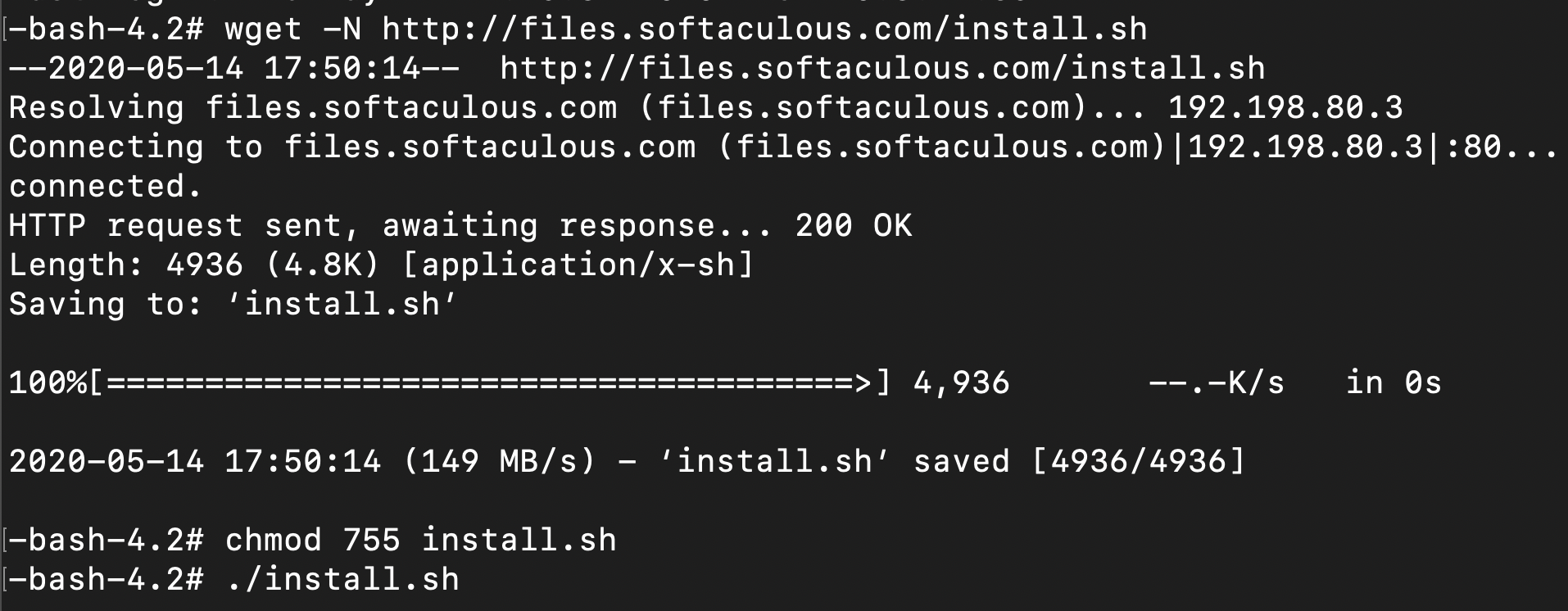
Important Note: It is essential to ensure that ionCube Loaders are enabled through the WHM interface, specifically within the Tweak Settings section. Locate the ionCube Loader option within the backend copy of PHP and enable it to proceed with the Softaculous installation successfully.
Upon successful download and execution of the installation file, you will be presented with an installation screen similar to this:
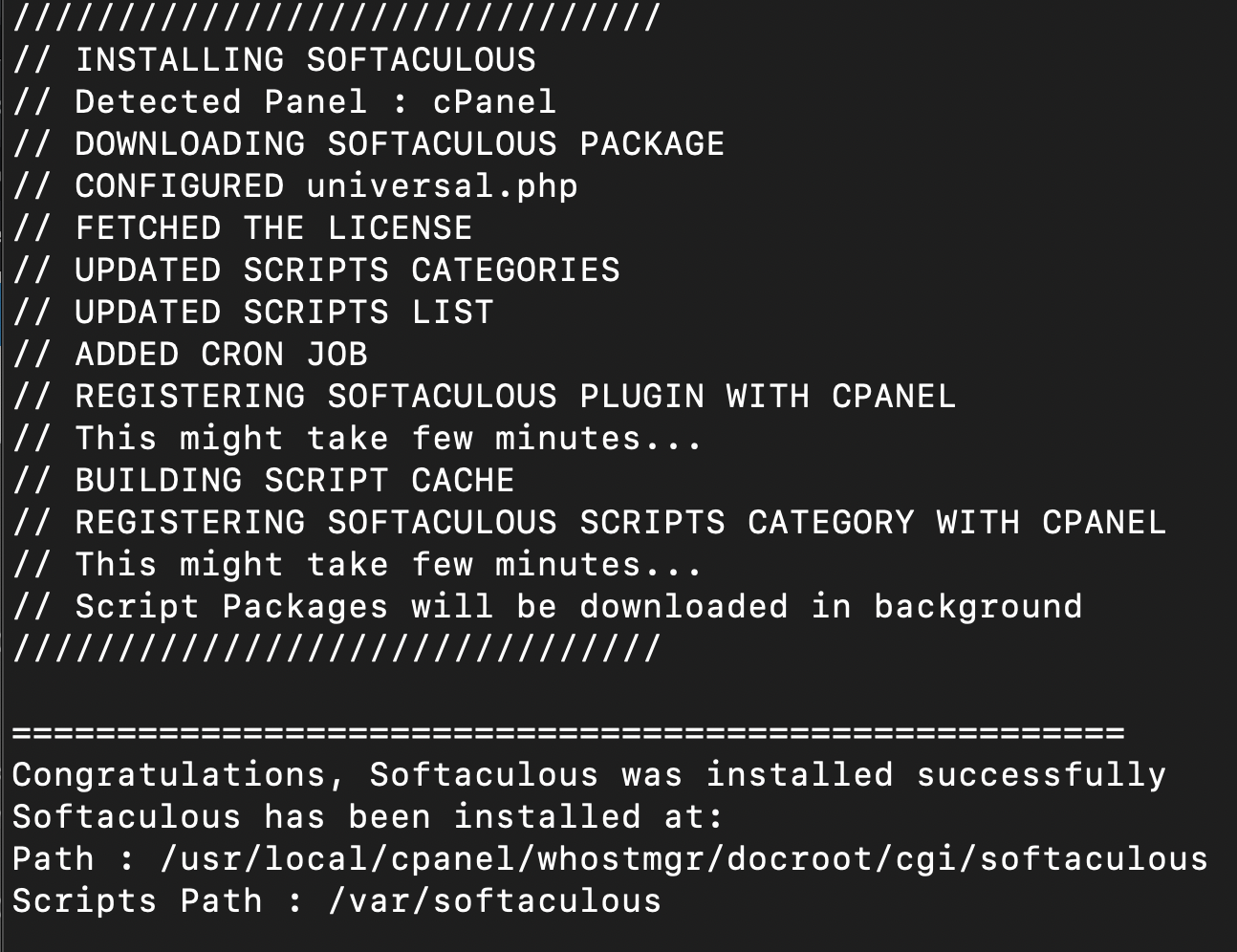
At this point, you should be able to access the Softaculous interface within your server environment.
Leveraging Softaculous for WordPress Installation
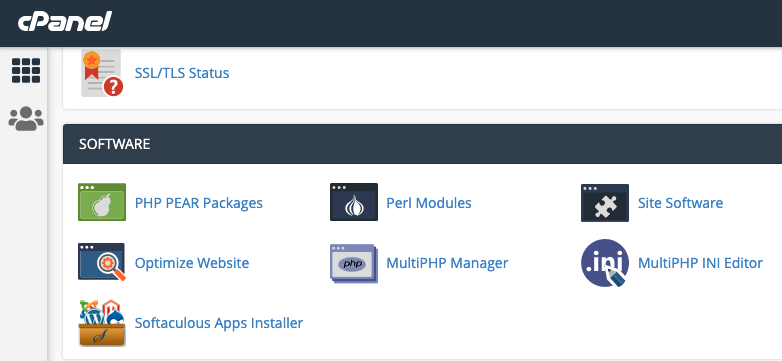
While logging into WHM allows you to manage which scripts are available to your users, direct software installation is not possible from this interface. To install applications like WordPress, you will need to log into cPanel. Within cPanel, the Softaculous Apps Installer can typically be found under the "Software" category or by utilizing the search function to locate "Softaculous."
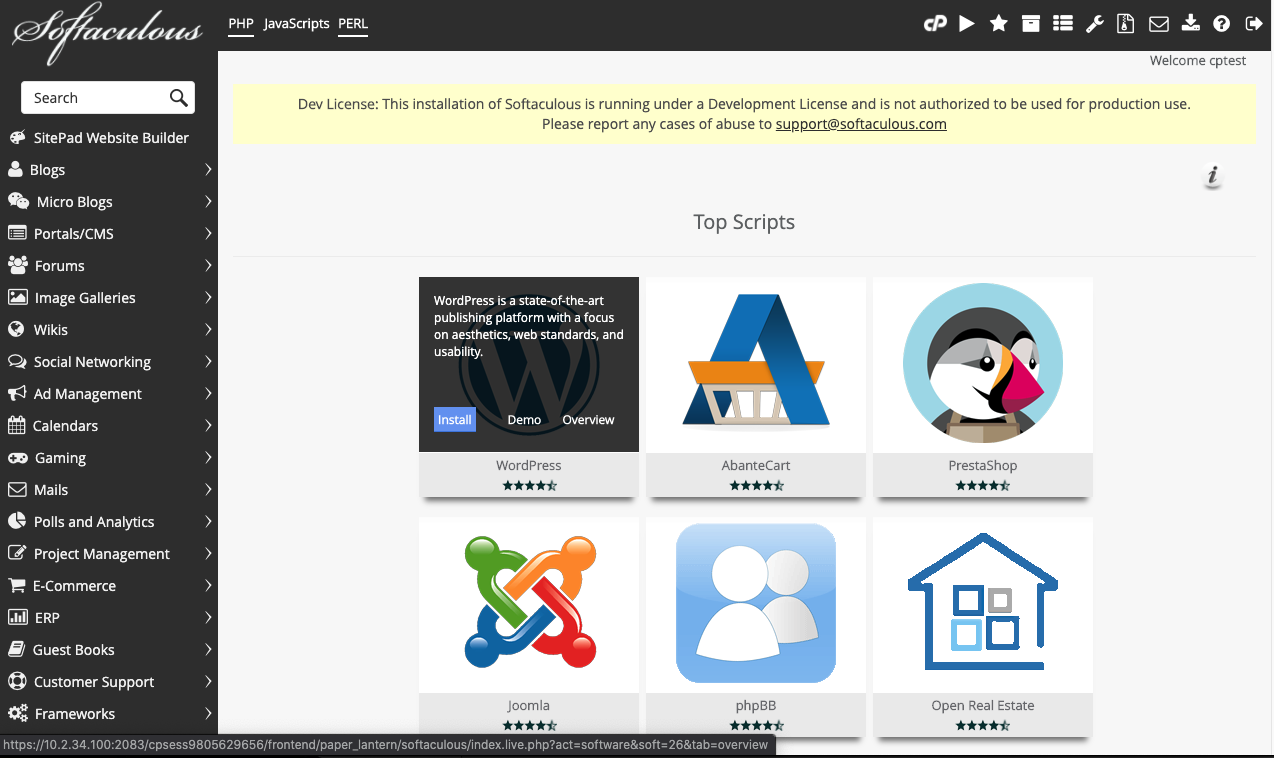
The Softaculous interface is designed for ease of use, offering multiple layers of customizable settings to meet specific requirements. It facilitates the installation of hundreds of software titles with just a few clicks. By hovering over the desired software, such as WordPress in this instance, detailed information about the application and an "Install" button will appear. Simply click the "Install" button to proceed.
After clicking "Install," the system will guide you through various options for your new WordPress site. You have the choice to use a "Quick Install" for a set of generic presets that can be modified later, or you can meticulously specify all options directly on the screen, including the site name and preferred base theme, before finalizing the installation by clicking the "Install" button at the bottom.

With these straightforward steps, your website will be operational in a matter of moments.
Softaculous: A Powerful Enhancement for Your cPanel Environment
As demonstrated, the integration of Softaculous offers significant advantages for both independent server owners and professional web hosting providers. Its reputation for providing reliable and timely support, coupled with consistent product updates, underscores its value as a robust tool. Softaculous delivers substantial improvements to server management, simplifying tasks through features like automated updates and one-click installations. This powerful addition ensures a more efficient, secure, and user-friendly experience for managing web applications within the cPanel ecosystem.
